nxnative on Mac
nxnative is best known for iPhone, but it also builds Switch games you own into native Mac apps for Apple silicon. There are three ways to do it: the official command line, a no-terminal app such as NX2Apple, or the Zelda-focused MacNativeGames.
Can nxnative run games on a Mac?
Yes. The same script that makes an iPhone IPA makes a Mac app when you add --platform mac-app. The result is an app of your game that you open from Finder. It is not an emulator: the game’s own code runs on the Apple chip and the graphics are rebuilt on Metal. Check the per-game notes in the games list for which platforms each game was tested on.
What you need
- An Apple silicon Mac (M1 or later). Intel Macs are not supported.
- macOS 26.6 or later and Xcode 27.1 (from Apple’s download page, not the newer App Store Xcode).
- Homebrew and an arm64 Python 3.12 or newer for the command-line route.
- Your own game files and
prod.keys, and free disk space of about twice the game plus 10 GB.
Option 1: the command line
Install the tools once as described in how to use nxnative, then build with the Mac flag:
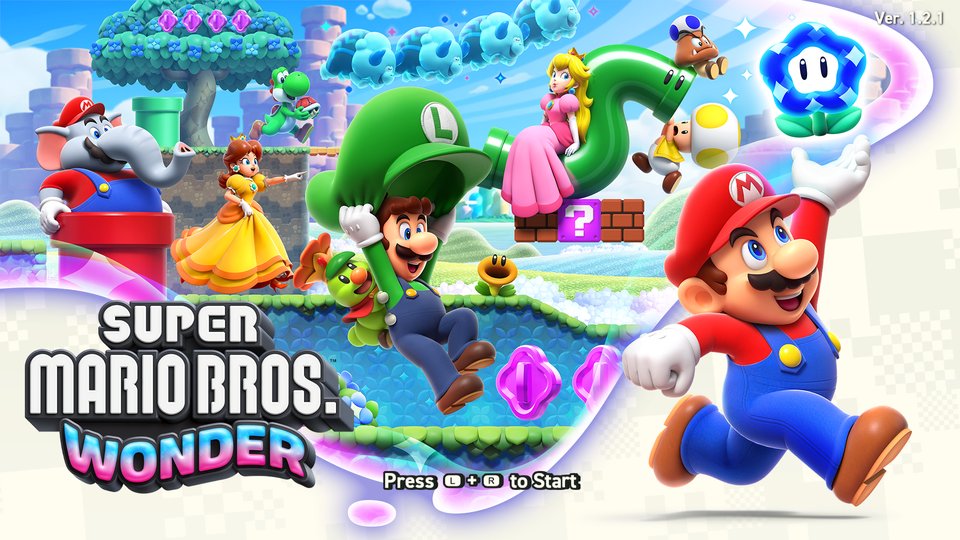
python3 scripts/build_ipa_from_nsp.py ~/Games/MarioWonder -k ~/keys/prod.keys --platform mac-appThe first build takes 30–60 minutes; later builds reuse unchanged steps.
Option 2: a Mac app with a library
NX2Apple builds for This Mac in a few clicks, keeps finished games in a library with key art and per-game launch options (frame rate, render scale, upscaling, language), and can sync saves with an iPhone through iCloud Drive. NX Play, NxNative Launcher and LumaNX are other community launchers.
Option 3: MacNativeGames for Zelda
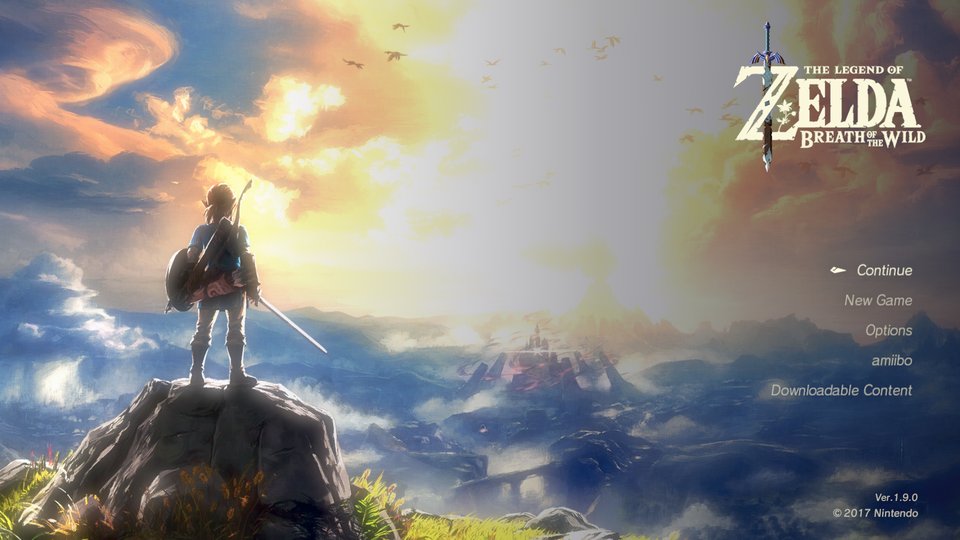
MacNativeGames is a separate project focused on Tears of the Kingdom and Breath of the Wild on Mac, with wide aspect ratios, up to 2K rendering with MetalFX and a shared shader list.
Which route should I pick?
| If you want… | Use |
|---|---|
| The source of truth, every game profile | nxnative command line |
| No terminal, a game library on the Mac | NX2Apple or another launcher |
| Zelda on a big or ultrawide screen | MacNativeGames |
nxnative on Mac questions
Does nxnative work on Mac?
Yes. Add --platform mac-app to the build script and you get a Mac app of your game that opens from Finder. Every build, even for iPhone, is made on a Mac.
Does nxnative work on an Intel Mac?
No. The game’s code runs directly on the Apple chip, so you need an Apple silicon Mac (M1 or later).
Which macOS version do I need?
macOS 26.6 or later with Xcode 27.1 for the command-line build. The NX2Apple launcher opens on macOS 13, but building most games still needs Xcode 27.1.
Is there an nxnative app for Mac?
nxnative itself is a script. Community apps such as NX2Apple, NX Play, NxNative Launcher and LumaNX wrap it in a Mac app with a game library.
Where are my Mac saves?
In ~/Library/Application Support/nxnative/<title ID>/, with logs in ~/Library/Logs/nxnative/. Back them up before you rebuild.
From the official READMEs, checked October 30, 2026. Back to the nxnative guide.